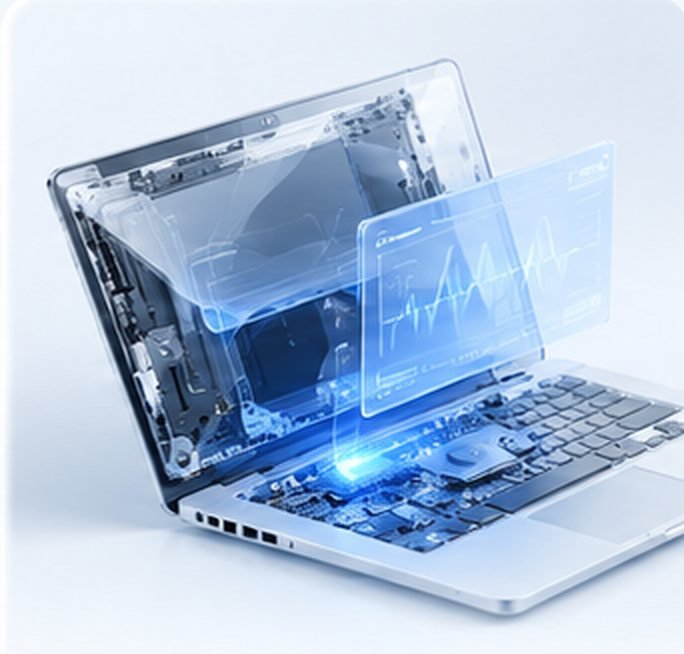

Clone to a new SSD
Windows, apps and files copied exactly to the new drive.

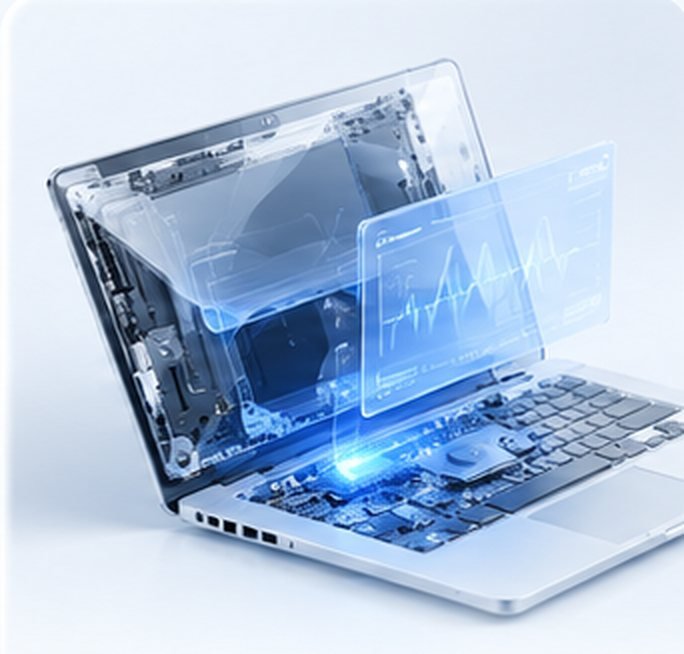
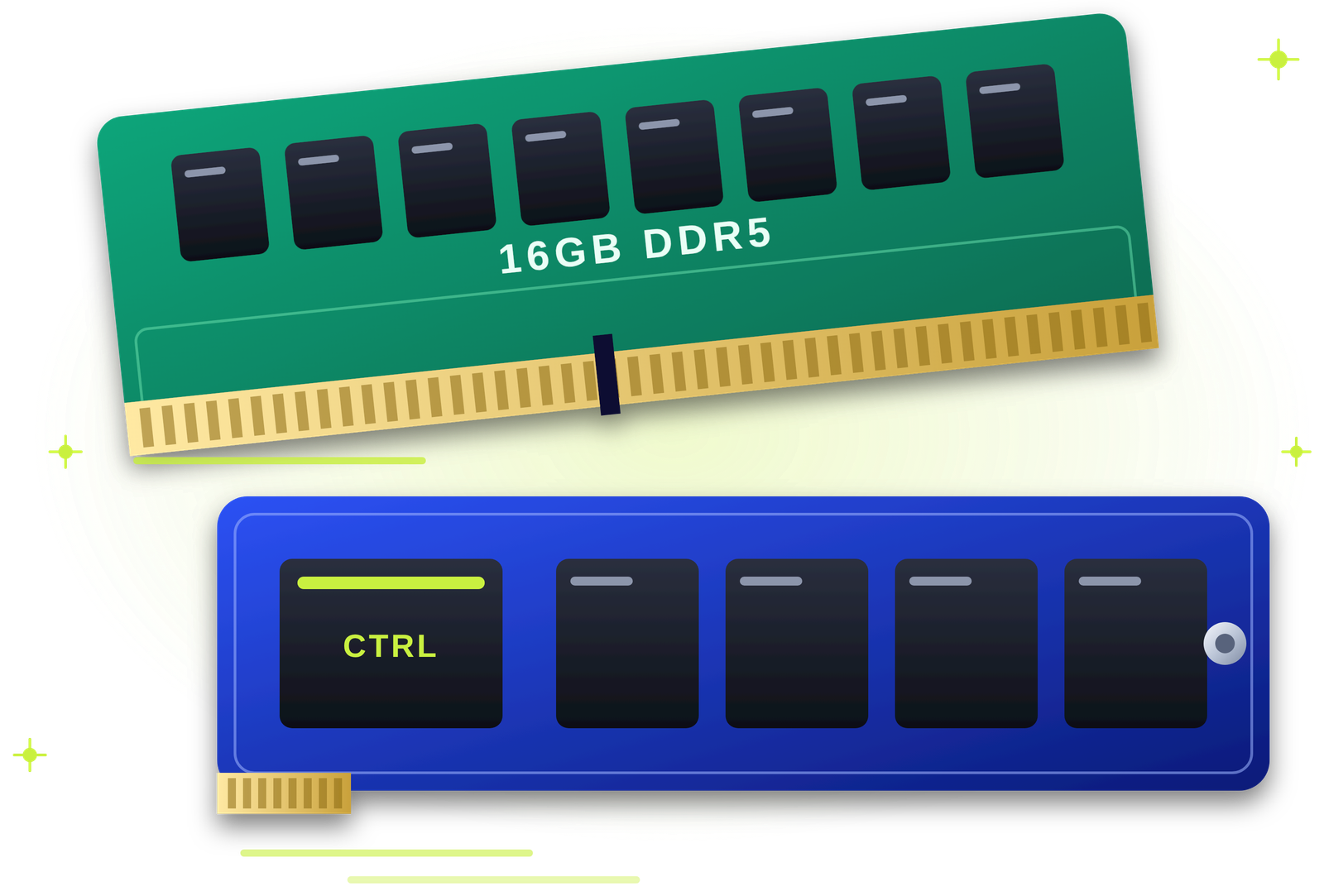
Your files, apps and settings, moved safely.
New SSD, new laptop or a failing drive? Our engineers clone Windows or move your files, email and work data at your home or office, check that everything opens, and never take your data away.
Tick what applies. We will tell you the safest way to move it.
Choose what applies and we will suggest the safest approach.
Stop using the computer heavily and avoid restarting it again and again. Book a visit so we can copy your data before the drive gets worse.
Doing it yourself often misses something. These are the common pitfalls.
From one laptop to a whole office, done at your desk.
Windows, apps and files copied exactly to the new drive.
Files, browser data and settings moved to your new machine.
Desktop data moved, including shared folders.
Outlook, Gmail and contacts moved and checked.
Company data copied and opened to confirm.
Large libraries copied and verified.
Moved where the browser allows it.
A safe copy made before any risky work.
Data copied carefully from a slow or failing disk.
Several computers moved in one planned visit.
A clean install with your data restored.
Old drive wiped if you are selling or donating it.
The right method depends on your situation.
| Your situation | What we usually recommend |
|---|---|
| New SSD in the same computer | Clone the drive, so nothing needs reinstalling. |
| New laptop or PC | Copy files and settings, reinstall apps cleanly. |
| Old drive clicking or slow | Copy the most important data first, then the rest. |
| Windows full of problems | Fresh Windows install with your data restored. |
| Office with several PCs | A planned migration, one PC at a time. |
| Selling the old computer | Move data, then wipe the old drive securely. |
| Email in Outlook | Move the mail file and set up the profile again. |
Here is how the two compare.
| QUICKZY data migration | Doing it yourself | |
|---|---|---|
| Completeness | Hidden app data, email and settings included. | Easy to miss hidden folders. |
| Safety | Your data never leaves your premises. | Risk of overwriting or losing files. |
| Time | Done by an engineer while you work. | Hours of copying and checking. |
| Checking | Files and apps opened with you. | Problems found weeks later. |
| Warranty | 3-month warranty on our work. | None. |
Pay the fixed ₹199 visiting charge. A verified engineer arrives in about 30 minutes and checks both drives and what needs moving.
You see an itemised quote that lists the method, the data and the time it will take. Nothing starts until you approve.
The engineer clones or copies your data in front of you. Nothing leaves your premises.
We open your files, email and apps with you to confirm everything is there. You pay after the test and a 3-month warranty card is saved in the app.
The visit is fixed. Migration is quoted by how much data there is and the method, and you approve it first.
The engineer checks your old and new drives and plans exactly what to move.
Only the ₹199 visiting charge is fixed. Other prices are starting prices or quoted after the check, because they depend on your device and the work needed.
Browse by category. Every service is priced the same way: a fixed visiting charge, then a clear quote with starting prices.
Verified field engineers, a chip-level lab and a care desk work as one team, so your data is moved at your desk and checked with you, with every step explained.
The visit is fixed at ₹199. These six things decide the rest of your quote.
Looking for data migration in Pune, someone to transfer data from an old laptop to a new one, or to clone a hard drive to an SSD? QUICKZY does it at your home or office. A verified engineer plans what to move, moves it in front of you and checks it with you.
A migration is more than copying the Documents folder. Email, browser data, app settings, licences and accounting data like Tally all live in different places. We make sure the important things come across, and that Windows starts properly on the new drive.
Your data never leaves your premises. We work on HP, Dell, Lenovo, Asus, Acer and Apple computers and on office PCs, and we can wipe the old drive securely afterwards. Every job is quoted upfront and covered by a 3-month warranty.
QUICKZY is independent and not linked to any brand. Names identify devices only.
Plain answers on keeping your data safe when you change drives or computers.
A clone makes the new drive an exact copy of the old one, ideal when you upgrade to an SSD in the same computer. Moving to a new computer is better done as a clean copy of files and settings, with apps installed fresh.
Keep your email passwords, software licence keys and any Tally or accounting logins handy. That makes re-activation quick.
Stop using it heavily. Each restart can make things worse. We copy the most important folders first, then the rest.
Keep the old drive for a few weeks until you are sure nothing is missing. Then we can wipe it securely if you plan to sell or donate the computer.
Typical jobs by situation.
| Situation | What we move | Typical time |
|---|---|---|
| HDD to SSD in a laptop | Full clone of Windows and data | 1 to 2 hours |
| Old laptop to new laptop | Files, browser data, email | 2 to 4 hours |
| Old PC to new PC | Files, shared folders, printers | 2 to 4 hours |
| Tally and accounts | Company data and settings | Under 1 hour |
| Outlook email | Mail file and profile set-up | Under 1 hour |
| Office of several PCs | Planned, one PC at a time | Quoted per office |
The jargon, translated into simple words.
Live today: Karve Nagar, Warje, Bavdhan, Magarpatta, Wagholi, Viman Nagar, Sus, Kharadi, Chinchwad, Akurdi, Shivaji Nagar, Hadapsar, Aundh, Pimple Saudagar, Kothrud, Wakad, Pimpri-Chinchwad, Pashan, Baner, Balewadi, Undri, Kondhwa, Koregaon Park, Hinjewadi, Deccan, Sinhagad Road, Nigdi and almost entire Pune.
Coming soon: Mumbai, Navi Mumbai, Thane, Nashik, Nagpur, Delhi NCR, Bengaluru, Hyderabad, Chennai, Kolkata and more. Join the waitlist.
Our engineers move your data at your home or office.
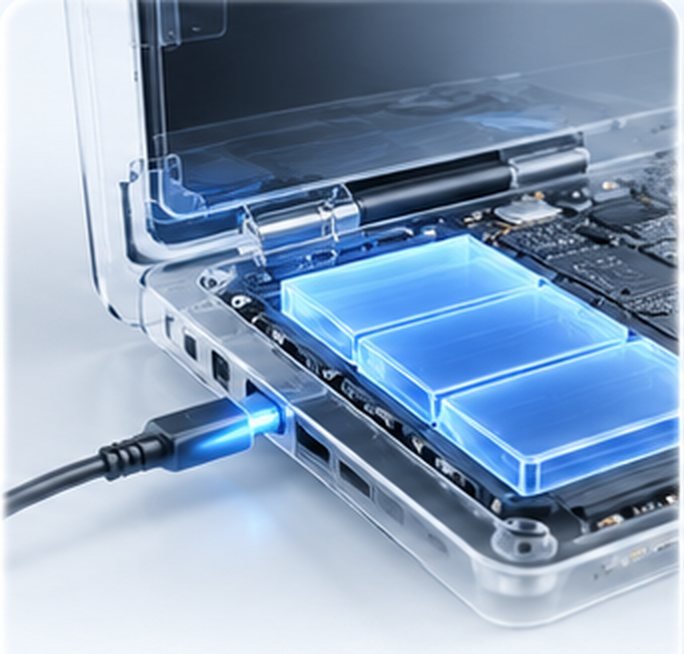
Answers about moving your data safely, methods and prices.
View all FAQsMoving your files, email, apps and settings from an old drive or computer to a new one, so you can keep working as before.
The visit is a fixed ₹199. Migration is quoted by the amount of data and the method, and you approve it first.
No. We do the migration at your premises, in front of you.
Yes. Cloning copies Windows, apps and files exactly, so nothing needs reinstalling.
Yes. We move files, browser data, email and settings, and help reinstall apps.
Yes. We move the mail file and set up the profile, and copy Tally data and open it to confirm.
Often, yes. We copy the most important data first, carefully. Badly damaged drives may need specialist recovery.
From under an hour to a few hours, depending on how much data there is.
Some software must be re-activated. Keep your licence keys and logins ready.
It stays with you. We can wipe it securely if you are selling or donating it.
Yes. Our work carries a 3-month warranty, saved in the QUICKZY app.
We serve almost all of Pune and Pimpri-Chinchwad.
More than
Customers served
Skip the commute. Get professional repair
at home or at work.
Book in seconds, track your engineer live and approve estimates from your phone.
Pick the device. We'll send an engineer who specialises in it.
No match. Pick Not sure and the engineer will diagnose it.