
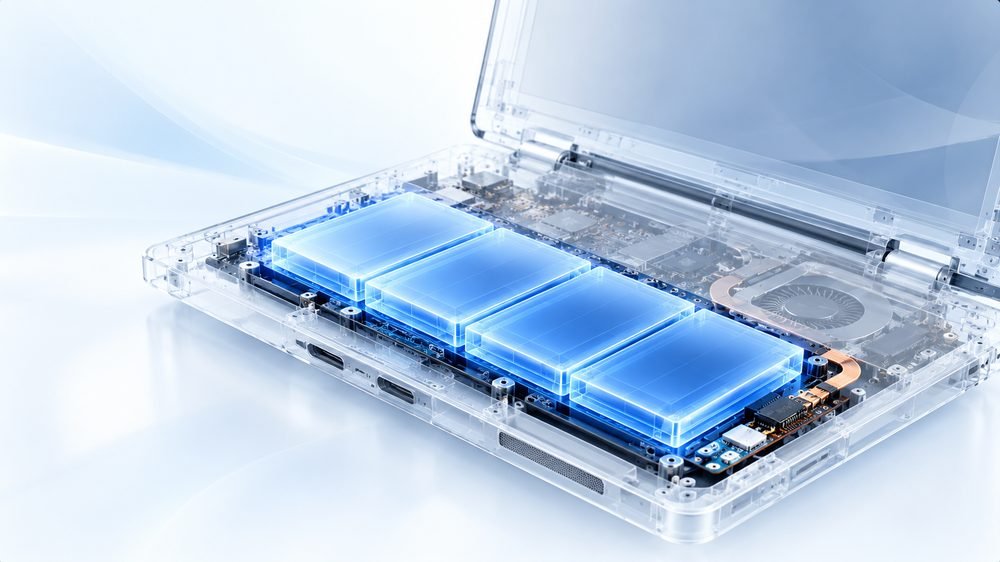
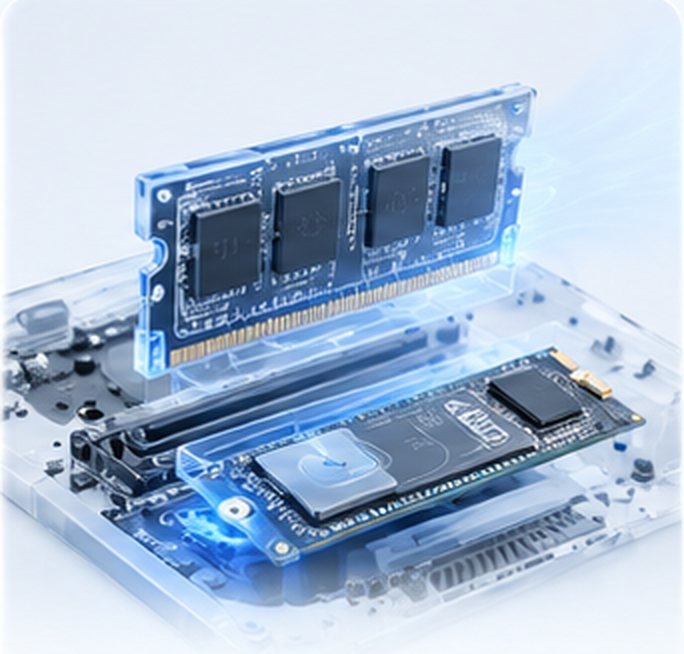


Fleet audit
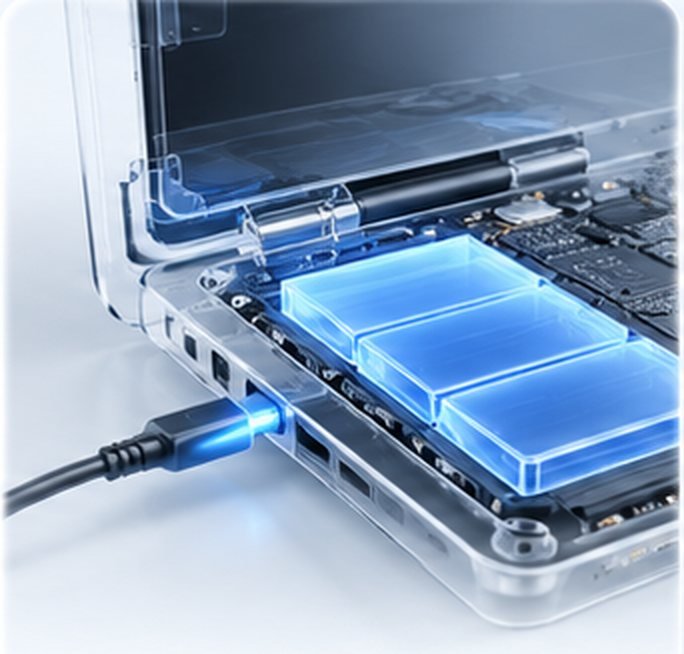
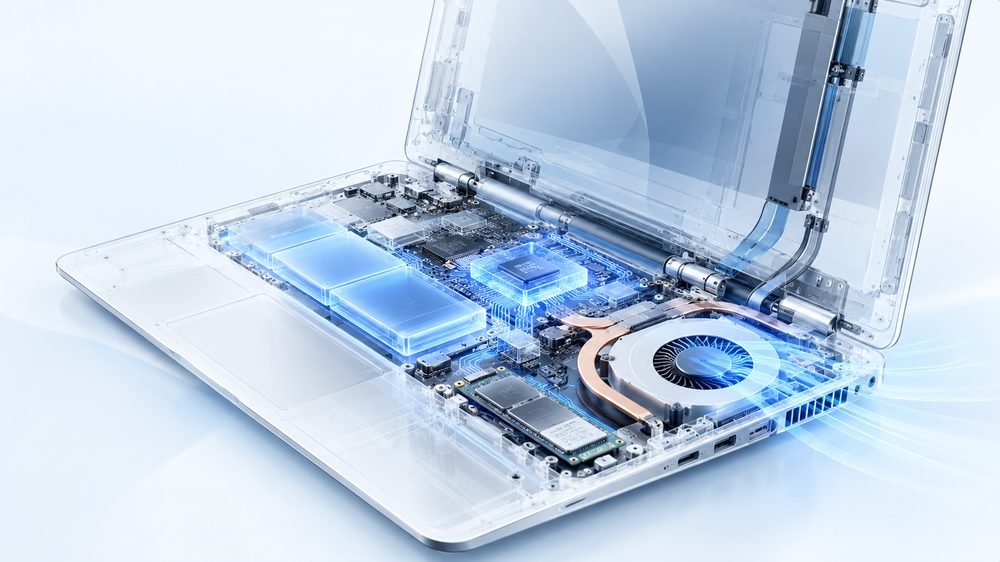
Each model checked for RAM slots, drive type and limits.


Faster team laptops, without buying new.
Team laptops slowing everyone down? We audit your fleet, upgrade RAM and SSDs at your office in planned batches, clone each laptop so nobody loses work, and bill it all on one GST invoice.
Tick what applies. Three or more usually mean upgrades will pay for themselves.
Choose what applies and we will suggest the right approach.
Most of the time it is two bottlenecks: storage and memory.
Planned, tested and tracked, at your office.
Each model checked for RAM slots, drive type and limits.
Which laptops to upgrade, how, and in what order.
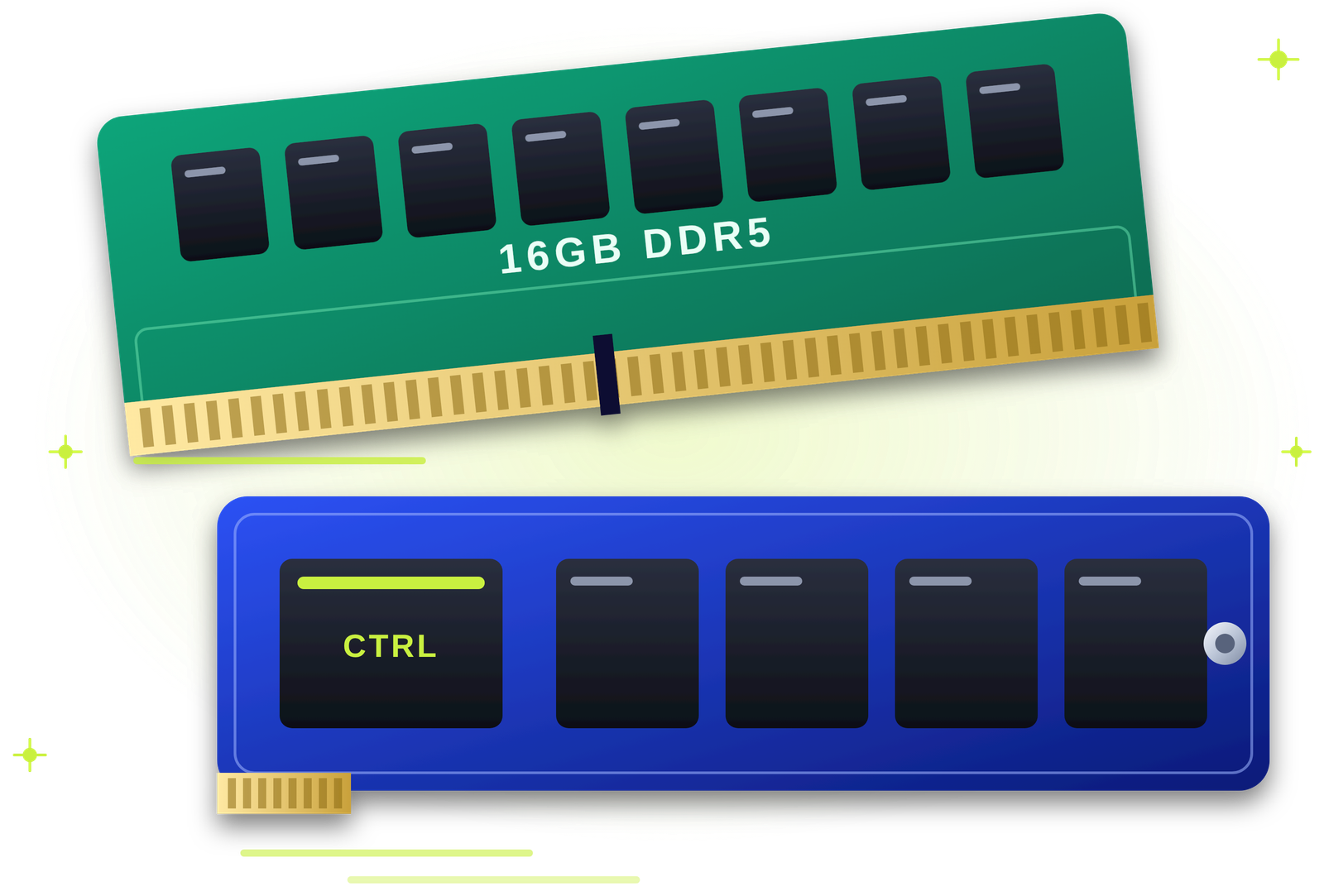
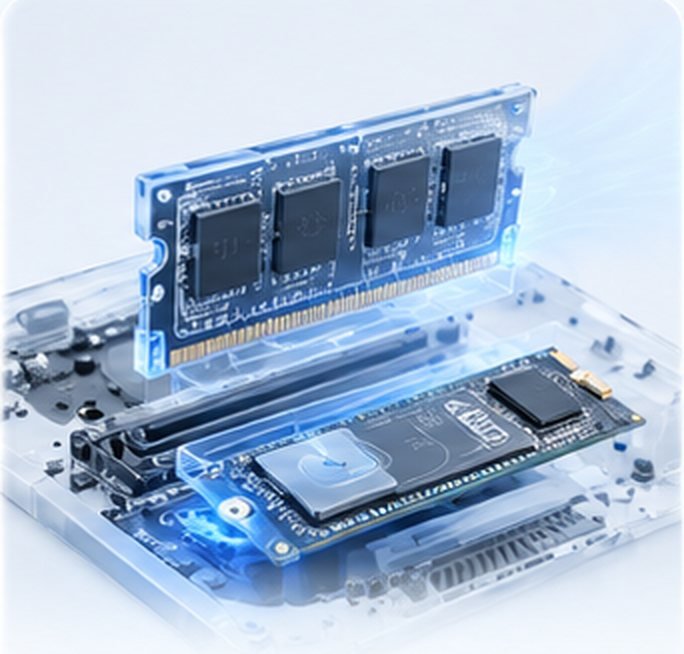
Matched memory for every model.
HDD to SSD or larger NVMe drives.
Each user's Windows, apps and files moved across.
Small batches so the team keeps working.
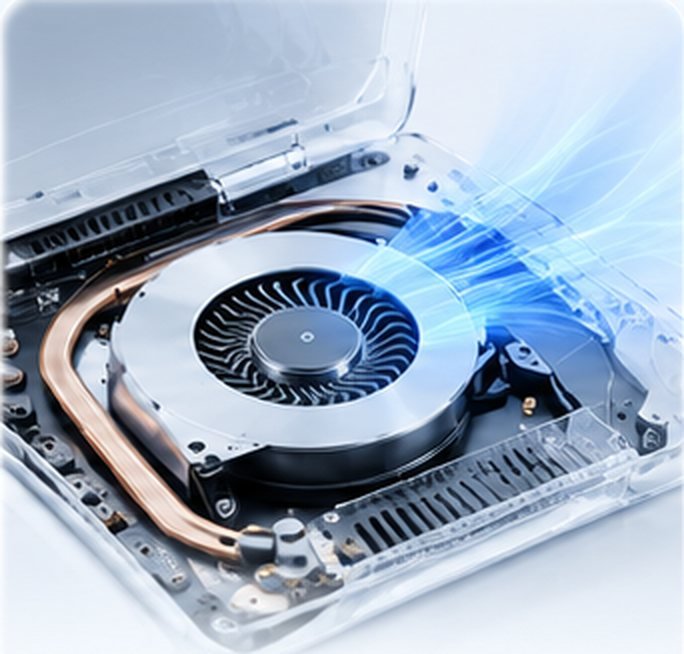
Dust cleaned during the upgrade.
Start-up and speed measured.
Every device, part and serial recorded.
Returned to you or securely wiped.
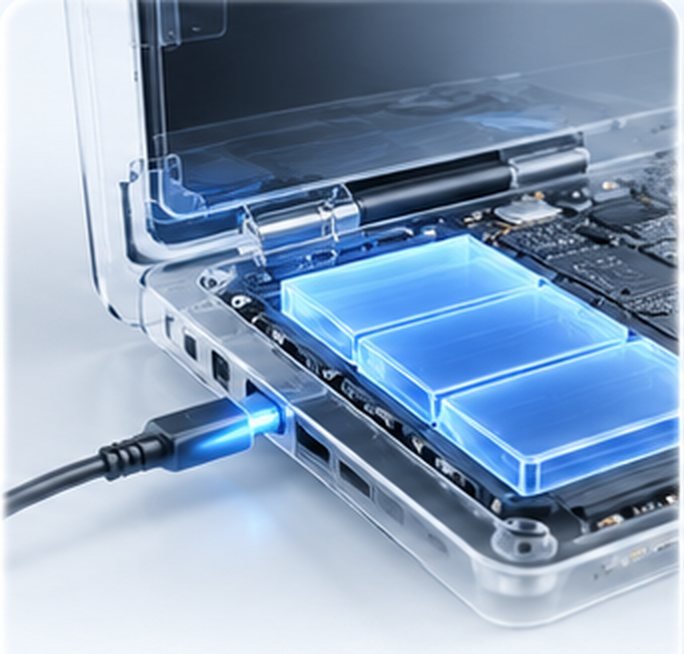
All devices on one bill.
On parts fitted and labour.
A short audit tells you which laptops are worth upgrading.
| What we find | What we usually recommend |
|---|---|
| Hard disk, 8 GB RAM | SSD upgrade first, then RAM if needed. |
| Small SSD that is nearly full | A larger NVMe SSD with cloning. |
| 8 GB RAM, one free slot | Add a matching stick for 16 GB dual-channel. |
| Soldered RAM, slow drive | SSD upgrade only. |
| Battery or screen worn too | Combine repairs in the same visit. |
| Very old processor | Plan a replacement instead of an upgrade. |
| Different models across the team | A plan per model, rolled out together. |
For laptops that are otherwise healthy, upgrades are usually the smarter spend.
| QUICKZY fleet upgrade | Buying new laptops | |
|---|---|---|
| Cost per device | A fraction of a new laptop. | Full price for every device. |
| Speed gain | Noticeably faster start-up and multitasking. | Fastest, at the highest cost. |
| User set-up | Cloned, so everyone keeps their set-up. | Every laptop set up again. |
| Downtime | Done in batches at your office. | Rollout and data moves for each user. |
| Billing | One GST invoice for the fleet. | Large capital purchase. |
Pay the fixed ₹199 visiting charge. An engineer audits your laptop models, drives and memory.
You get a written plan with prices per model and a batch schedule. Nothing starts until you approve.
Engineers upgrade laptops at your office in small batches and clone each one so nobody loses work.
Each laptop is tested with its user. You get one GST invoice, an asset list and a 3-month warranty.
Priced per device and model after an audit. Parts and capacities are agreed with you before work starts.
An engineer audits your laptop models and recommends upgrades per model.
Only the ₹199 visiting charge is fixed. Other prices are starting prices or quoted after the check, because they depend on your device and the work needed.
Browse by category. Every service is priced the same way: a fixed visiting charge, then a clear quote with starting prices.
Verified field engineers, a chip-level lab and a care desk work as one team, so your fleet is upgraded in planned batches with every step explained, with every step explained.
Your quote is built from these six things.
Looking for bulk RAM and SSD upgrades for company laptops in Pune, or a way to extend your laptop fleet instead of buying new? QUICKZY audits your laptops and upgrades them at your office in planned batches.
For most business laptops two to five years old, an SSD and extra RAM bring back the speed your team needs. We check each model, fit compatible parts and clone every user's drive, so they come back to the same desktop, files and apps.
Start-ups, IT teams, agencies and institutes across Pune and PCMC use QUICKZY to delay costly replacements. Everything is recorded on an asset list, billed on one GST invoice and covered by a 3-month warranty.
QUICKZY is independent and not linked to any brand. Names identify devices only.
Plain answers for IT leads, founders and office managers.
Laptops with a decent processor, a working screen and battery, and either a hard disk or 8 GB of RAM usually gain the most. Very old processors are better replaced.
We upgrade in small batches, often while people are in meetings or after hours, and clone each laptop so users pick up exactly where they left off.
An upgrade is a good time to bring every laptop up to the same RAM and storage, which makes support simpler.
You get a list of every device with its serial number, the parts fitted and the warranty dates.
Common starting points and what we usually fit.
| Starting point | Typical upgrade | What users notice |
|---|---|---|
| HDD + 8 GB RAM | 512 GB SSD + 16 GB RAM | Start-up in seconds, smooth calls |
| 256 GB SSD, nearly full | 512 GB or 1 TB NVMe | Room to work, faster saves |
| 8 GB single stick | Add a matching 8 GB | Dual-channel speed, fewer freezes |
| Soldered 8 GB, slow SSD | Faster, larger NVMe | Quicker apps and updates |
| Mixed models | A plan per model | Consistent performance |
The jargon, translated into simple words.
Live today: Karve Nagar, Warje, Bavdhan, Magarpatta, Wagholi, Viman Nagar, Sus, Kharadi, Chinchwad, Akurdi, Shivaji Nagar, Hadapsar, Aundh, Pimple Saudagar, Kothrud, Wakad, Pimpri-Chinchwad, Pashan, Baner, Balewadi, Undri, Kondhwa, Koregaon Park, Hinjewadi, Deccan, Sinhagad Road, Nigdi and almost entire Pune.
Coming soon: Mumbai, Navi Mumbai, Thane, Nashik, Nagpur, Delhi NCR, Bengaluru, Hyderabad, Chennai, Kolkata and more. Join the waitlist.
We upgrade team laptops at offices across Pune and PCMC.

Answers for IT leads and office managers about bulk upgrades.
View all FAQsUpgrading RAM and storage across many of your team's laptops in one planned project, instead of buying new ones.
Upgrades start from ₹1,299 per device for parts and fitting. We quote per model after a ₹199 assessment visit.
No. We clone each laptop so users get back the same desktop, files and apps.
We work in small batches at your office, at times that suit your team.
Most business laptops can take an SSD; many can take more RAM. Some have soldered memory. The audit tells you exactly.
Yes. Office desktops can be upgraded in the same project.
Yes. One GST invoice for the whole project, with an asset list.
They are returned to you or securely wiped, as you prefer.
For healthy laptops with a decent processor, usually yes. We tell you honestly when replacement makes more sense.
A typical laptop takes one to two hours including cloning. Batches are planned around your team.
Yes. A 3-month warranty on fitting and labour, plus the part maker's warranty.
Offices across Pune and Pimpri-Chinchwad.
More than
Customers served
Skip the commute. Get professional repair
at home or at work.
Book in seconds, track your engineer live and approve estimates from your phone.
Pick the device. We'll send an engineer who specialises in it.
No match. Pick Not sure and the engineer will diagnose it.