


SMPS testing
The supply tested with a proper tester and multimeter.

Right wattage. Safe fitting. Guaranteed.
PC dead, restarting on its own or smelling of burning? Our engineers test the power supply at your desk, fit an SMPS with the right wattage and connectors, and back it with a 3-month warranty.
Tick what you notice. Three or more usually point to the power supply.
Choose the signs you notice and we will tell you what they usually mean.
Switch off at the wall and unplug the PC straight away. A failing power supply can damage the board. Book a visit so we can replace it safely.
Knowing why an SMPS fails helps you protect the new one and the rest of your PC.
We test before we replace, so you only pay for the part that has failed.
The supply tested with a proper tester and multimeter.
A matching power supply fitted with the right wattage and connectors.
A higher-wattage SMPS for a new graphics card or more drives.
Faulty switches and front-panel wiring repaired.
Damaged cables and loose sockets replaced.
Restarts traced to power, heat or memory.
Noisy or seized SMPS fans fixed by replacing the unit.
Board-level power issues repaired by our chip-level lab.
External adapters for all-in-one PCs tested and replaced.
Simple advice on protecting your PC from Pune power cuts.
Dust removed so the new SMPS stays cool.
Tidy, safe wiring so airflow is not blocked.
Common patterns only. A test at your desk confirms the cause.
| What you see | What it usually means |
|---|---|
| No lights, no fans | A failed SMPS, switch or cable. Testing finds which. |
| Starts, then switches off | The SMPS may not be holding power, or the CPU is overheating. |
| Restarts only while gaming | The SMPS wattage is too low for the graphics card. |
| Buzzing or clicking from the back | Failing parts inside the SMPS. Replace it soon. |
| Burning smell | A failing SMPS. Unplug now and do not switch on again. |
| Dead after a power cut | A surge often damages the SMPS first. |
| Works only after many tries | A weak SMPS or a faulty power button. |
Most SMPS faults are best fixed with a new unit. Here is why.
| New SMPS (QUICKZY) | Repairing the old SMPS | |
|---|---|---|
| Safety | A new, tested unit with protections. | Old parts may fail again. |
| Reliability | Stable power for the board and drives. | Risk of repeat shutdowns. |
| Cost | The part plus fitting, quoted upfront. | Cheaper at first, but often repeated. |
| Time | Usually fitted in one visit. | Shop repair can take days. |
| Warranty | 3-month warranty from QUICKZY. | Usually little or none. |
Pay the fixed ₹199 visiting charge. A verified engineer arrives in about 30 minutes and tests the power supply, switch and cables.
You see an itemised quote that lists the SMPS wattage, connectors and labour. Nothing starts until you approve.
The engineer fits the new SMPS in front of you and routes the cables neatly.
We power the PC on, check voltages and run a short load test with you. You pay after the test and a 3-month warranty card is saved in the app.
The visit is fixed. SMPS price depends on the wattage and the brand you choose, and you approve the quote first.
The engineer tests the power supply, switch and cables to find the real fault.
Only the ₹199 visiting charge is fixed. Other prices are starting prices or quoted after the check, because they depend on your device and the work needed.
Browse by category. Every service is priced the same way: a fixed visiting charge, then a clear quote with starting prices.
Verified field engineers, a chip-level lab and a care desk work as one team, so a power fault is tested at your desk and fixed fast, with every step explained.
The visit is fixed at ₹199. These six things decide the rest of your quote.
Looking for SMPS replacement in Pune, a PC power supply near me or help with a computer that will not turn on? QUICKZY tests your power supply at your home or office and fits the right SMPS in front of you.
The SMPS turns mains power into the steady voltages your motherboard, processor and drives need. When it fails, the PC may be dead, restart at random or switch off under load. Pune's power cuts and surges make SMPS failure one of the most common desktop faults.
We match the wattage and connectors to your PC, including gaming PCs with a dedicated graphics card, and check that the rest of the system is healthy. Every job is quoted upfront and covered by a 3-month warranty.
QUICKZY is independent and not linked to any brand. Names identify devices only.
Plain answers on wattage, safety and protecting your PC.
Office PCs usually need a modest supply. Gaming PCs with a dedicated graphics card need much more, with headroom for peaks. We check your processor, graphics card and drives before choosing.
A dead PC is usually the SMPS, but the switch, cable or board can also be at fault. We test the supply with a tester first, so you do not pay for a part you do not need.
Low-quality supplies give unstable voltage and can take the board or drive with them when they fail. A good SMPS protects the rest of your PC.
Use a UPS or a good surge protector, keep the cabinet dust-free and leave space behind it for air to flow. These steps add years to the power supply.
Typical requests by PC type.
| PC type | What we usually fit | Commonly asked faults |
|---|---|---|
| Office PCs | Standard SMPS | Dead after power cut, random shutdowns |
| Home PCs | Standard SMPS | No power, buzzing, burning smell |
| Gaming PCs | Higher-wattage SMPS | Restarts under load, new graphics card |
| Slim desktops | Small-form-factor SMPS | Dead PC, model-specific units |
| All-in-one PCs | External or internal adapter | No power, adapter faults (quote after check) |
| Workstations | High-efficiency SMPS | Stability under heavy work |
The words an engineer may use, without the jargon.
Live today: Karve Nagar, Warje, Bavdhan, Magarpatta, Wagholi, Viman Nagar, Sus, Kharadi, Chinchwad, Akurdi, Shivaji Nagar, Hadapsar, Aundh, Pimple Saudagar, Kothrud, Wakad, Pimpri-Chinchwad, Pashan, Baner, Balewadi, Undri, Kondhwa, Koregaon Park, Hinjewadi, Deccan, Sinhagad Road, Nigdi and almost entire Pune.
Coming soon: Mumbai, Navi Mumbai, Thane, Nashik, Nagpur, Delhi NCR, Bengaluru, Hyderabad, Chennai, Kolkata and more. Join the waitlist.
Our engineers bring the right power supply to your home or office.
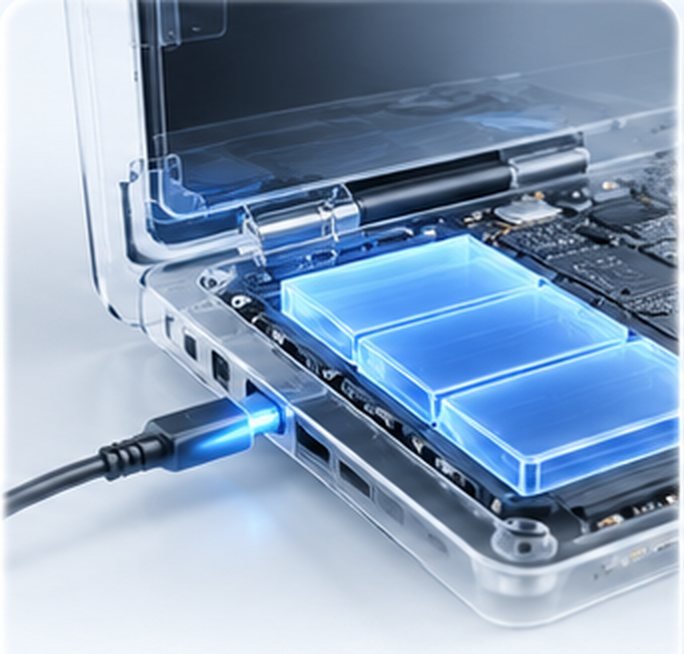
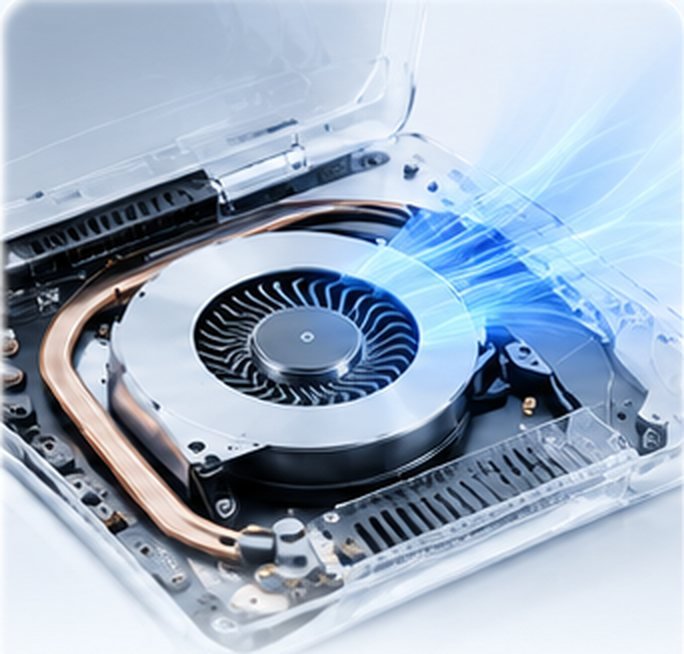
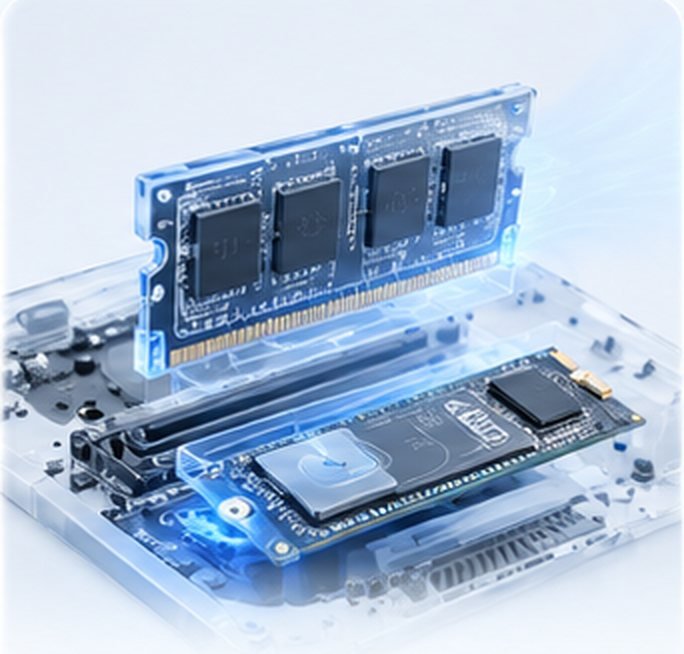

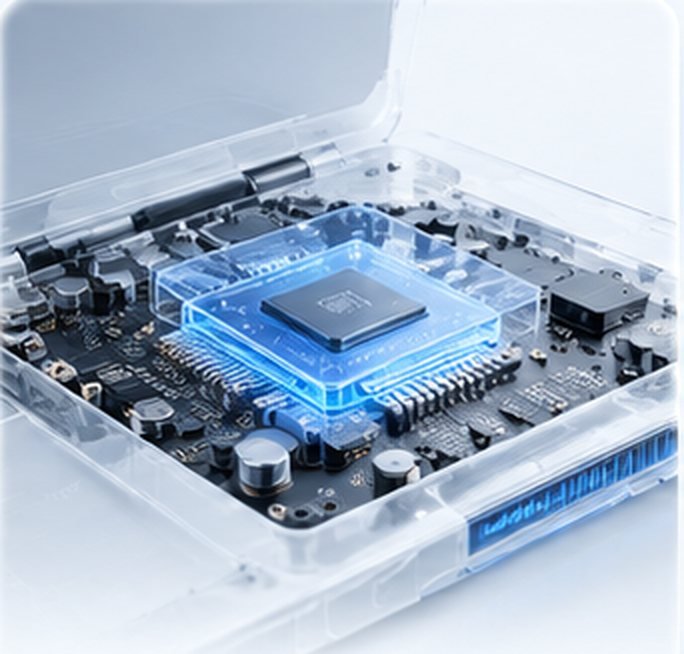
The SMPS is the power supply inside your desktop. It turns mains power into the steady voltages your PC needs.
A dead PC, shutdowns soon after start-up, restarts under load, buzzing or a burning smell are common signs. We test it at your desk to confirm.
The visit is a fixed ₹199. The SMPS price depends on wattage and brand, and you approve the quote before we fit anything.
Yes. Our engineer brings a matching unit and fits it at your home or office, usually in one visit.
It depends on your processor, graphics card and drives. We check your parts and recommend a supply with safe headroom.
It can. An unstable or failing supply can harm the board and drives, so replace it promptly.
Yes. We fit higher-wattage supplies with the right graphics-card connectors.
Very often, yes. Surges usually hit the SMPS first. We test the board too.
We usually recommend a new unit for safety and reliability, and we explain why before you decide.
Usually under an hour once the right unit is available.
Yes. Our work carries a 3-month warranty, saved in the QUICKZY app and printed on your invoice.
Yes. We serve almost all of Pune and Pimpri-Chinchwad.
More than
Customers served
Skip the commute. Get professional repair
at home or at work.
Book in seconds, track your engineer live and approve estimates from your phone.
Pick the device. We'll send an engineer who specialises in it.
No match. Pick Not sure and the engineer will diagnose it.